


Portfolio Builder

Graduate with work that looks ready for real clients.

Follow guided project briefs for each course, build a focused case study, and leave school with practical evidence of what you can create.

Adobe Photoshop Masterclass

Photoshop

Beginner to Intermediate

Adobe Illustrator Training

Illustrator

Beginner to Intermediate

Vibe Designing - UI/UX Masterclass

Vibe Designing

Beginner to Intermediate

Vibe Coding - Web Development Bootcamp

Vibe Coding

Beginner to Job-Ready

AI & Prompt Engineering

AI Prompts

Beginner

CapCut Video Editing Masterclass

CapCut

Beginner

SolidWorks for Engineers

SolidWorks

Intermediate

Step 01

Choose a brief

Pick one project that matches the course you are currently taking.

Step 02

Collect references

Gather 6 to 10 examples, then write what you will borrow and improve.

Step 03

Build the first version

Create the main deliverable and save every major revision clearly.

Step 04

Package the case study

Export final files, screenshots, notes, and a short result summary.

Guided Briefs

Pick one strong project and present it like a professional case study.

Match a brief to a course
Adobe Photoshop Masterclass

Photoshop

Campaign Design Kit

Client scenario

A small business launching a weekend offer

Deliverables

PosterInstagram square postWhatsApp status artworkProduct mockup
Photo cleanup
Layout hierarchy
Color correction
Export settings

Portfolio proof: Show the original image, final artwork, and two mockups in one case-study slide.

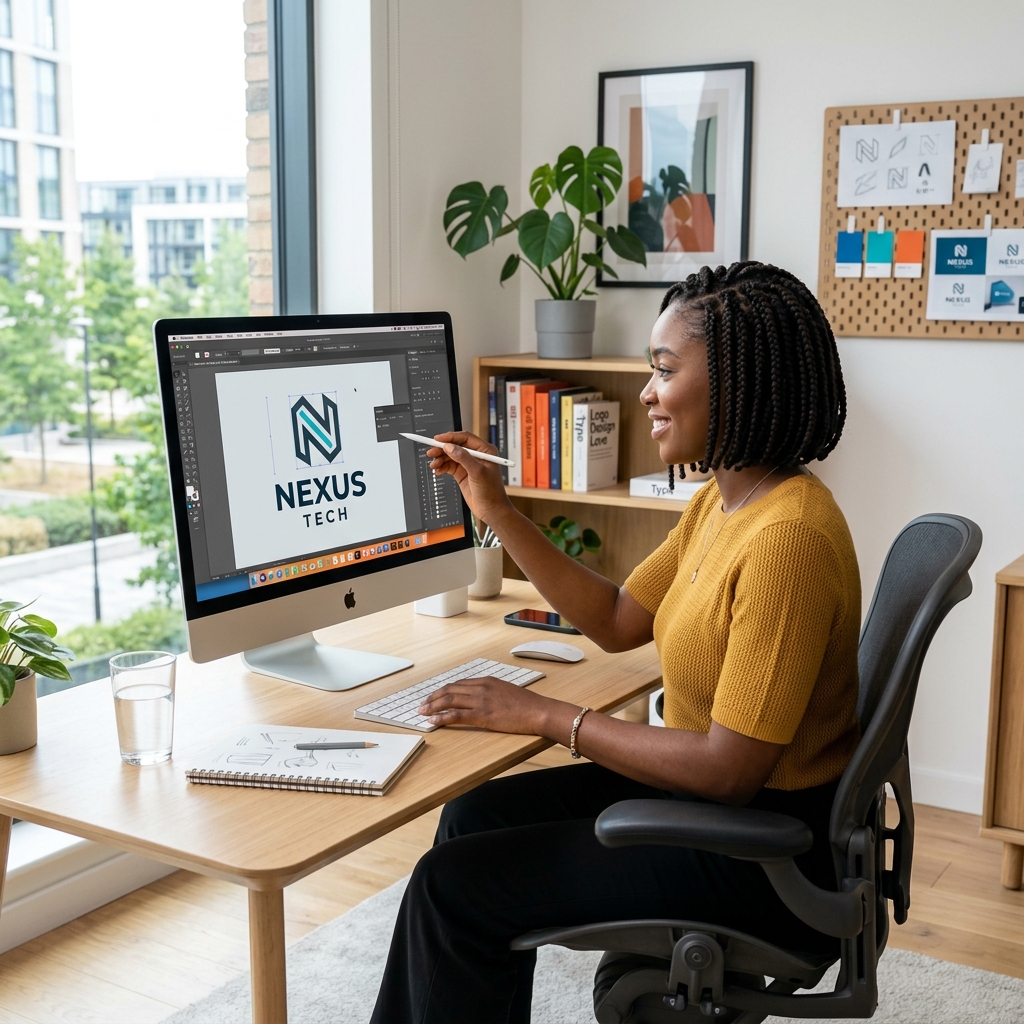
Adobe Illustrator Training

Illustrator

Mini Brand Identity

Client scenario

A new local food, fashion, beauty, or tech brand

Deliverables

Logo systemColor paletteTypography sheetBusiness card front and back
Vector paths
Logo construction
Typography pairing
Print setup

Portfolio proof: Include your logo grid, black-and-white version, and final brand preview.

Vibe Designing - UI/UX Masterclass

Vibe Designing

Mobile App UI/UX Case Study

Client scenario

A local service business that needs a smoother booking or ordering flow

Deliverables

User personaWireframe flowHigh-fidelity Figma screensClickable prototype
User research
Journey mapping
Auto layout
Prototype testing

Portfolio proof: Show the problem statement, before-and-after flow, final screens, and usability notes.

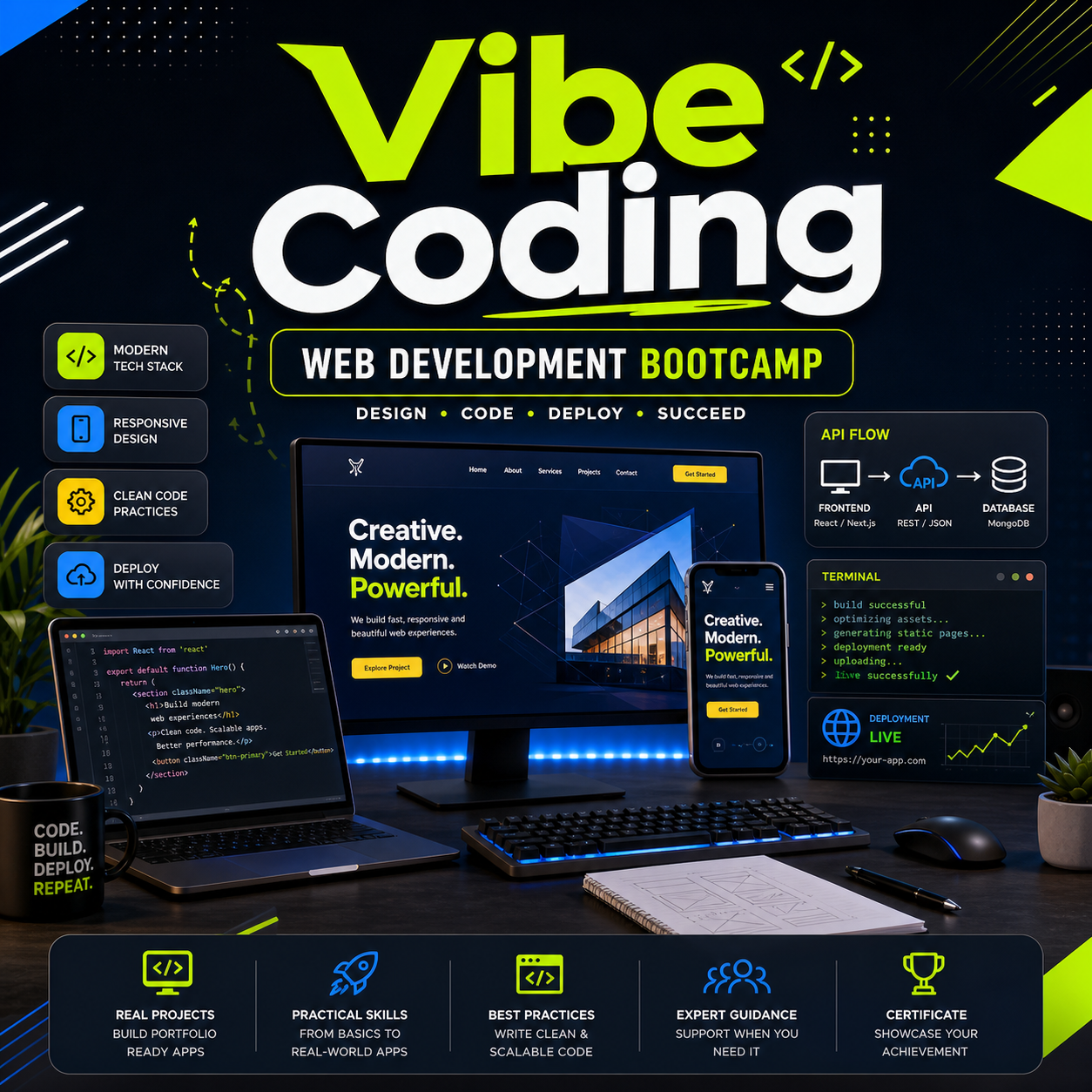
Vibe Coding - Web Development Bootcamp

Vibe Coding

Responsive Business Website

Client scenario

A real or imagined client who needs an online presence with a contact or booking flow

Deliverables

Responsive landing pageCourse or service cardsInteractive formDeployment link
Semantic HTML
Responsive CSS
React components
API-ready forms

Portfolio proof: Include the live URL, GitHub repository, mobile screenshot, and short build notes.

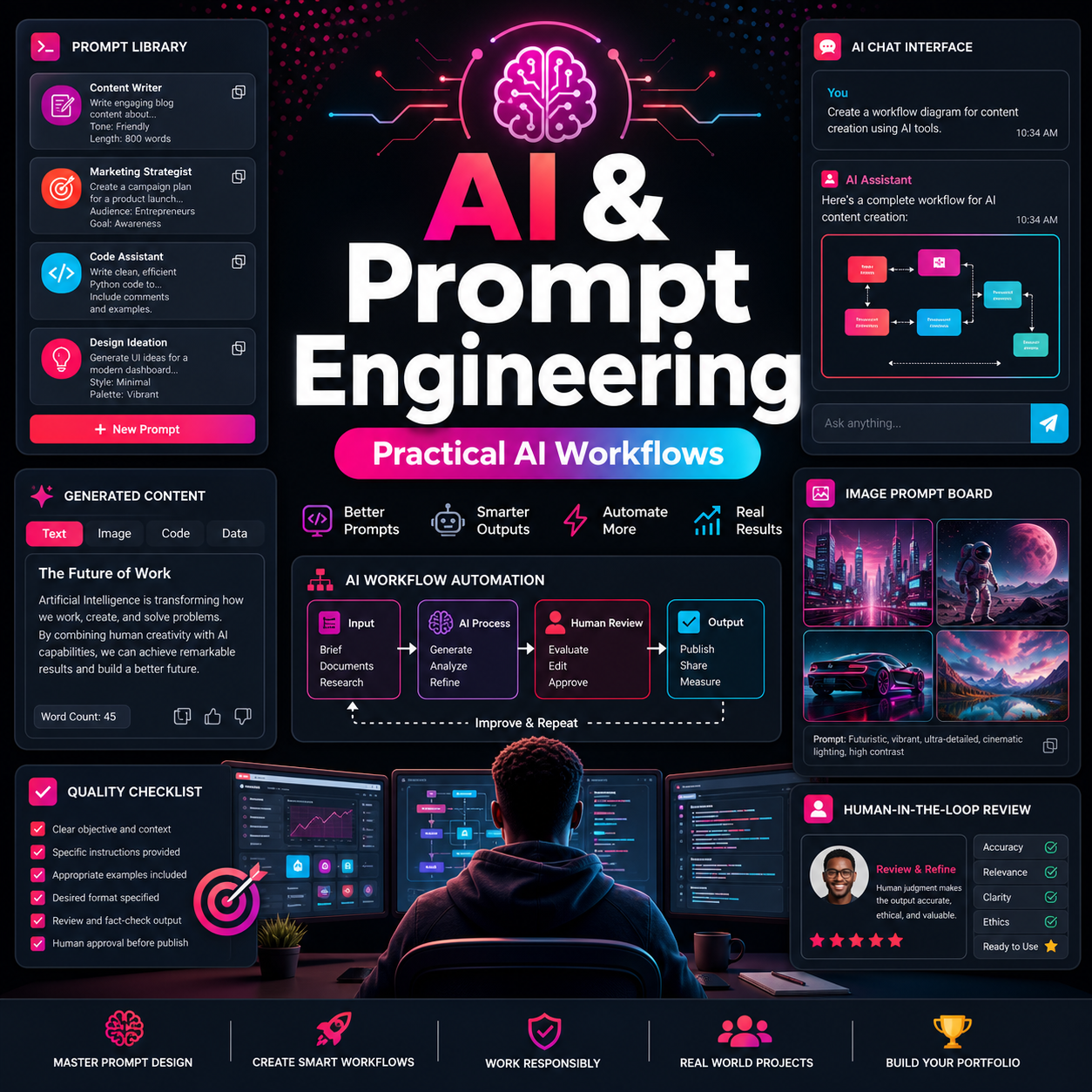
AI & Prompt Engineering

AI Prompts

AI Workflow System

Client scenario

A small team that wants repeatable content, research, or customer-support assistance

Deliverables

Prompt libraryWorkflow mapOutput examplesQuality checklist
Prompt structure
Context design
Evaluation
Responsible AI review

Portfolio proof: Show the prompt template, sample outputs, review checklist, and final use-case summary.

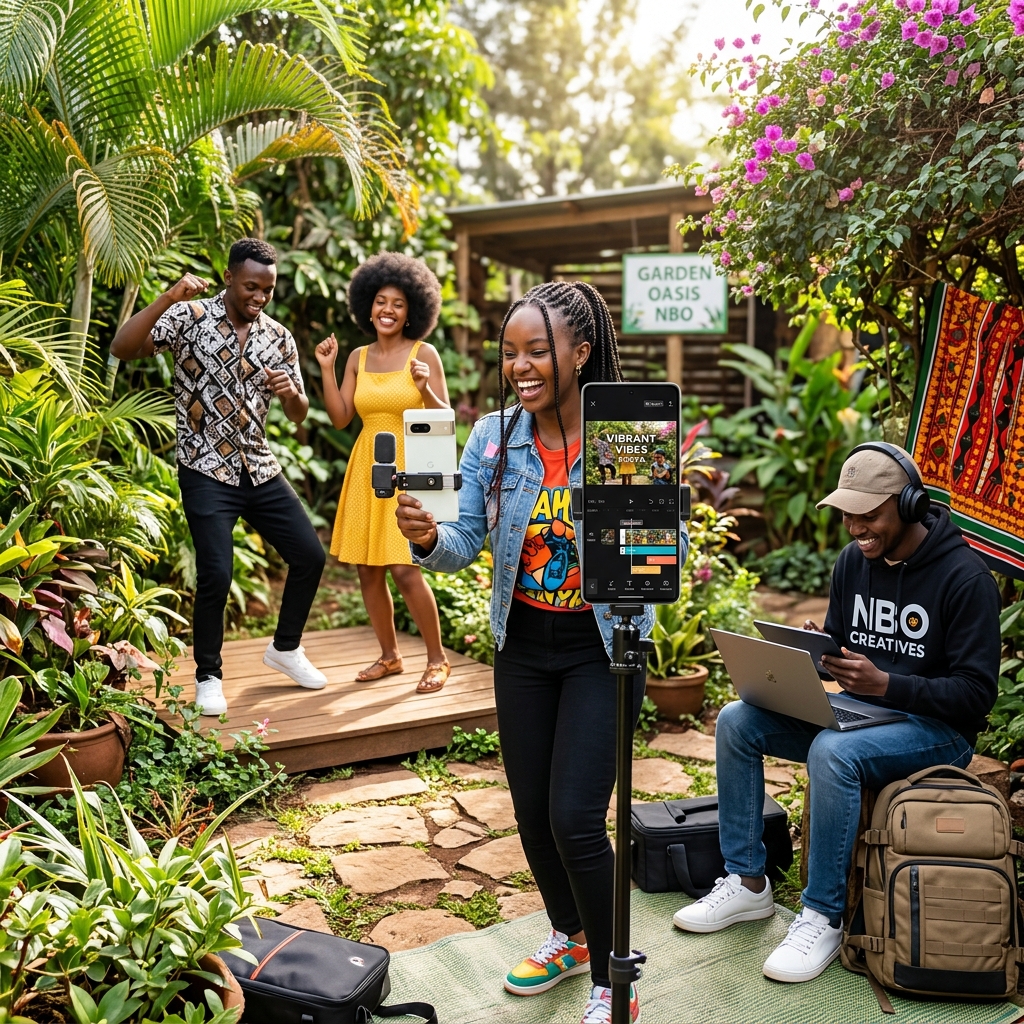
CapCut Video Editing Masterclass

CapCut

Short-Form Content Pack

Client scenario

A creator or business promoting one clear offer

Deliverables

15 second reel30 second explainerCaption setThumbnail frame
Pacing
Text animation
Audio sync
Hook writing

Portfolio proof: Present the final video, timeline screenshot, hook notes, and export settings.

SolidWorks for Engineers

SolidWorks

Functional Product Model

Client scenario

An engineering reviewer checking design intent

Deliverables

Part modelAssemblyTechnical drawingRendered product view
Sketch constraints
Feature planning
Assembly mates
Drawing standards

Portfolio proof: Show the model tree, drawing sheet, exploded view, and final render.

Graduation Standard

Your portfolio is ready when it can be reviewed in under five minutes.

A strong student portfolio is focused, tidy, and easy to judge. Use this checklist before submitting work to the gallery or sharing it with a client.

1

The project solves a clear real-world problem.

2

Final files are exported in the right formats.

3

You can explain the tools and decisions used.

4

Your case study shows process, not only the final image.

5

The work is named and organized for quick review.

6

At least one piece is ready to submit to the student gallery.