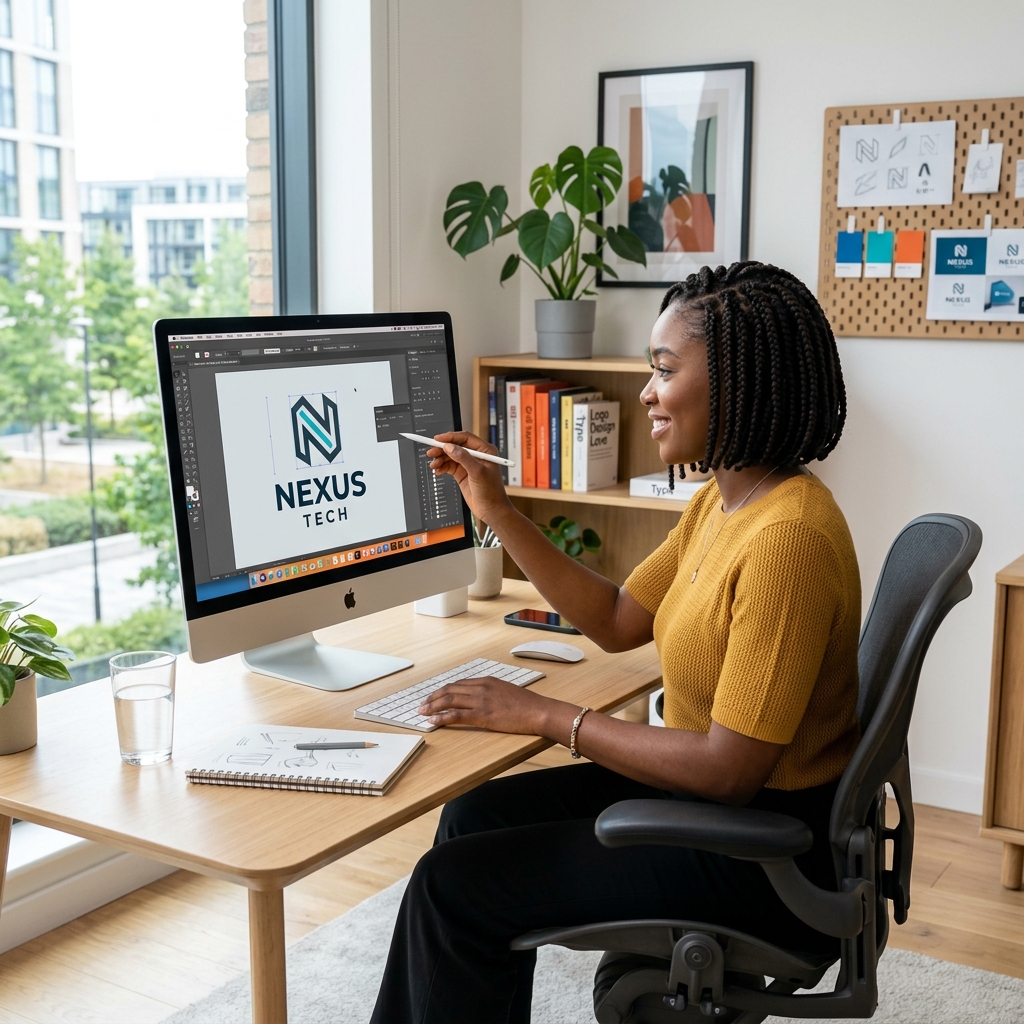
Week 01
Cohort 10In session · Cohort 11 opens 5 October , 2026
Reserve a seatWeekly Design Challenge
SCDS challenges give students focused briefs, clear submission rules, public recognition, and practical feedback across design, video, coding, and CAD workflows.
Week 01
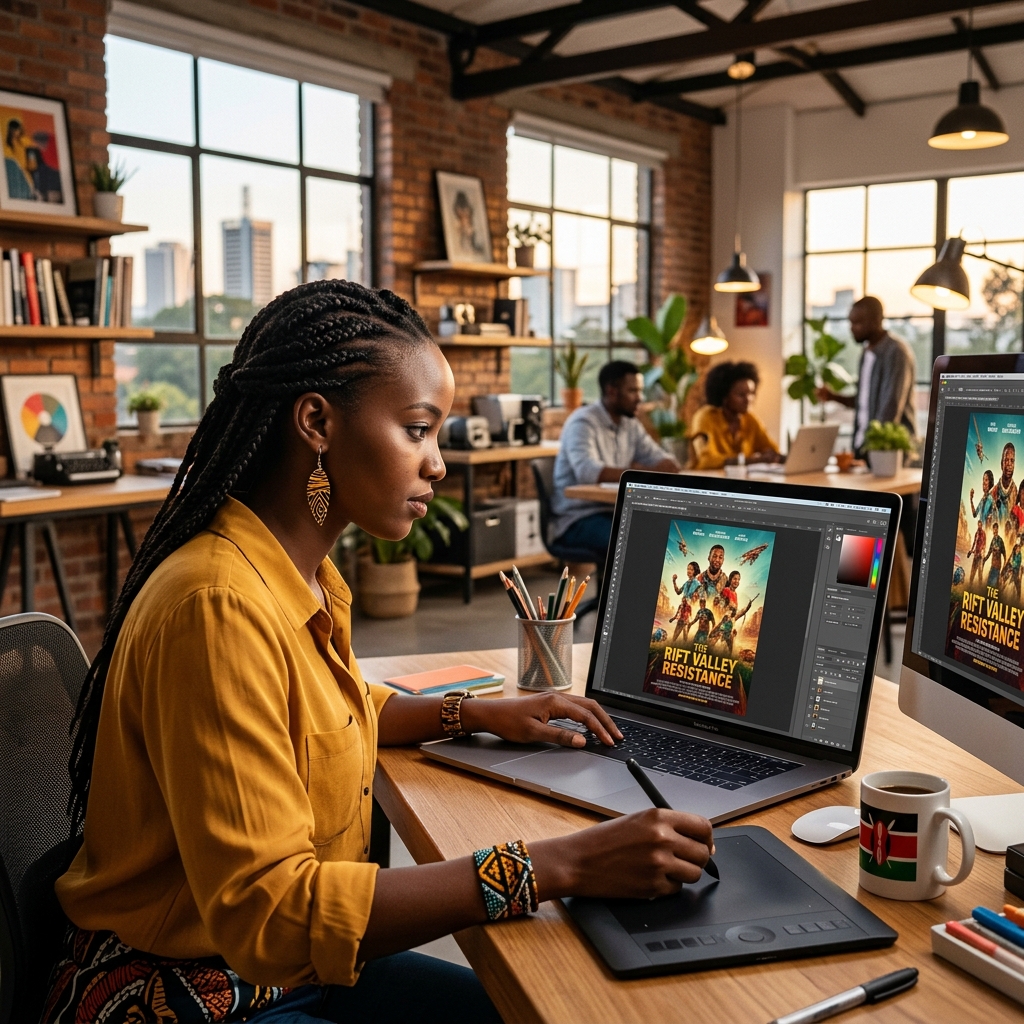
Week 02
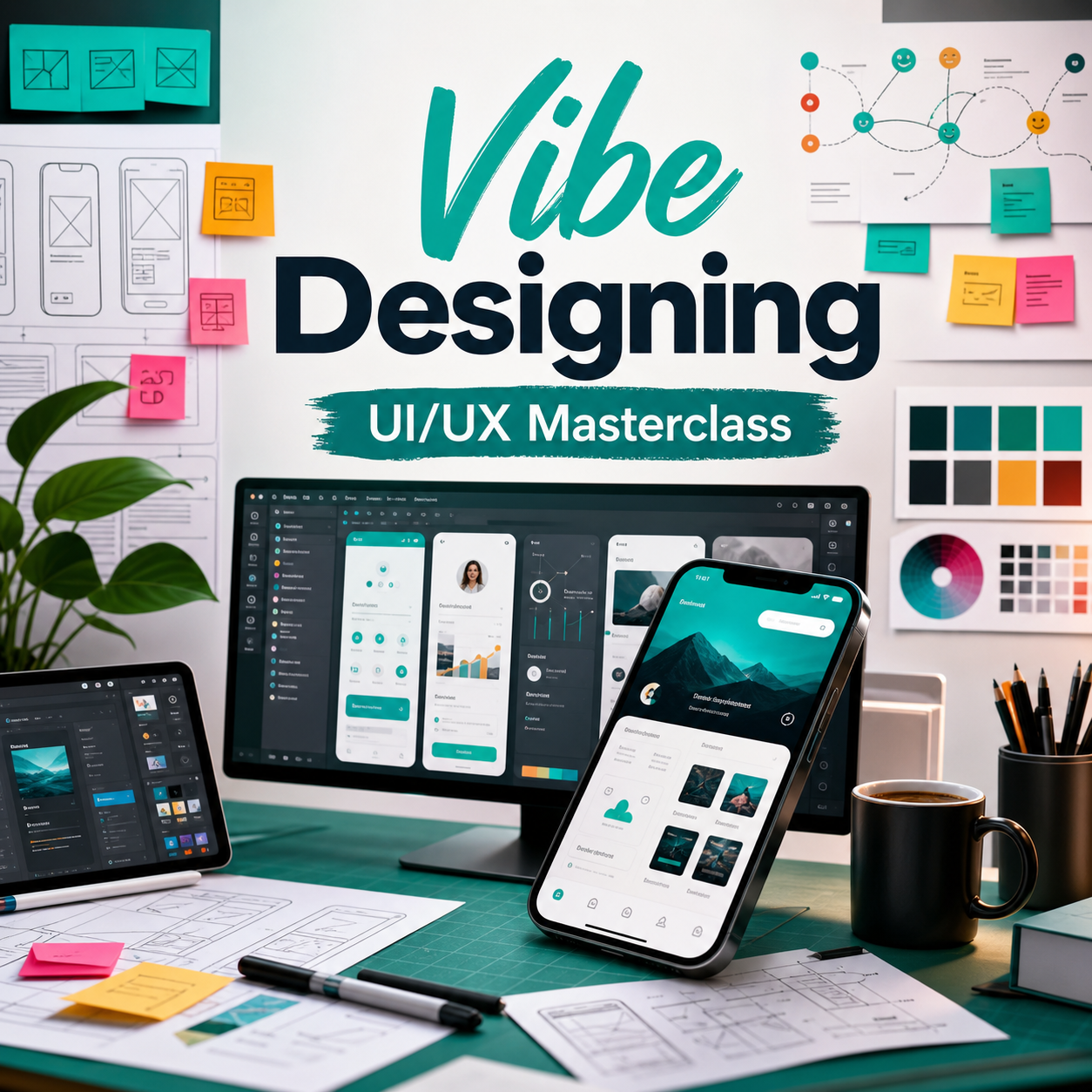
Week 03
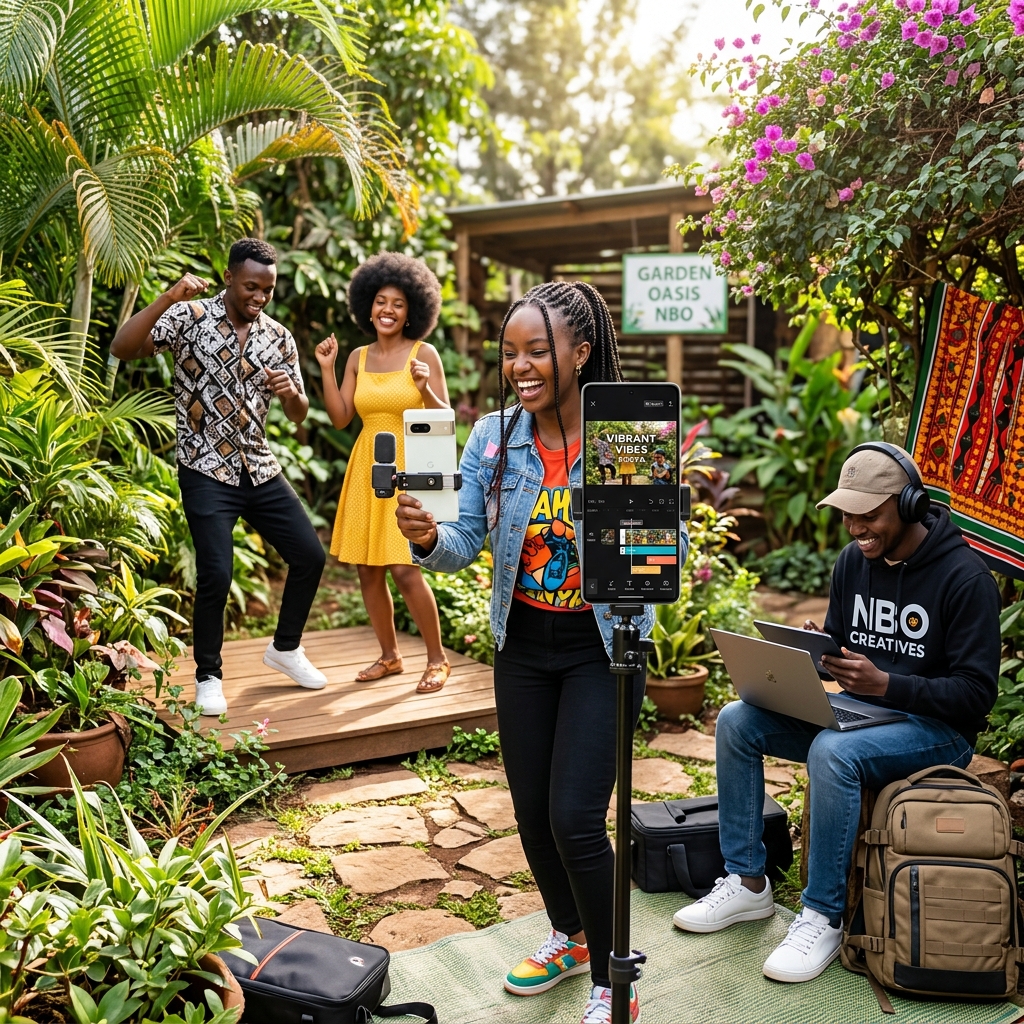
Week 04
4
new briefs every month
6
creative categories
48h
mentor review window
Current Challenge Calendar
Week 01
Brand Identity
Redesign a small business logo and create a simple one-page brand preview.
Submission deliverables
Deadline: submit by Sunday 8:00 PM with final exports and one process screenshot.
Week 02
Poster Design
Design a bold campaign poster for a weekend offer, class event, or product launch.
Submission deliverables
Deadline: submit by Sunday 8:00 PM with final exports and one process screenshot.
Week 03
UI/UX
Create three mobile screens that make booking a service faster and easier.
Submission deliverables
Deadline: submit by Sunday 8:00 PM with final exports and one process screenshot.
Week 04
Video Editing
Edit a 20 second product reel with captions, pacing, and a clear call to action.
Submission deliverables
Deadline: submit by Sunday 8:00 PM with final exports and one process screenshot.
Submission Flow
Each submission is reviewed for clarity, execution, file organization, and whether the final result answers the brief.
Check the target audience, format, deadline, and judging criteria before opening your design tool.
Prepare final files in the requested sizes and keep your editable working file organized.
Upload final exports, process screenshots, and a short note explaining your design choices.
Use mentor feedback to refine the work before adding it to your portfolio or gallery submission.
Challenge Categories
Categories rotate so beginners, designers, editors, developers, and engineering students all get practical prompts.
Logo systems, identity boards, packaging, and client-ready mockups.
Post sets, posters, ads, thumbnails, and campaign visuals.
Wireframes, app screens, landing pages, flows, and prototypes.
Reels, intros, captions, edits, thumbnails, and motion layouts.
Part models, assemblies, drawings, renders, and product concepts.
Prompt workflows, concept boards, image direction, and review systems.
Rewards
Featured placement in the student gallery
Certificate badge for monthly winners
Mentor feedback on portfolio presentation
Priority showcase in school social posts
Discount vouchers for selected advanced classes
Winner interview for the community blog